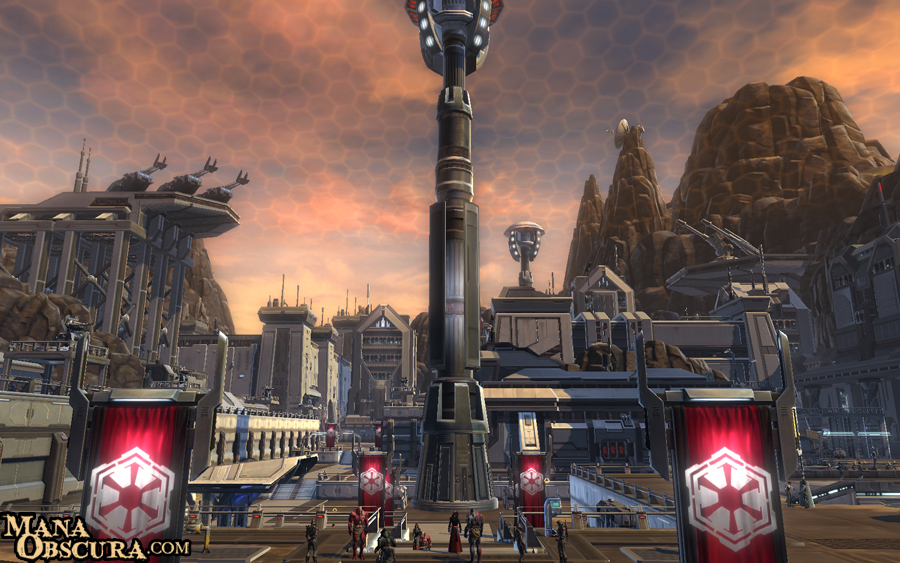
With the launch of Star Wars: The Old Republic due tomorrow for Early Access preorder players and on 20th December for everyone else, now is the time to get those last minute pre-launch activities complete. With the hours ticking away til we’re finally allowed to invade the live servers, now is a great time to distract yourself from clockwatching with this collection of useful missions.
The Last Minute Tune-Up
Now would be a great time to clear out your PC and have it ready for some intense game playing. Start by checking for driver updates for your graphics card and running Windows Update for all those latest bugfixes. Clear out a healthy amount of space for wherever you’re planning on installing the game- you’ll need about 20Gb for the client and another 5GB for temporary files. If you have one, look at squeezing the client on to your SSD in order to improve those load times.
Grab the Client
If you’ve preordered the game you can now pre-load it onto your system ready for your early access to become active. In order to do this simply head over to the pre-load page and follow the step by step instructions. You’ll need around 25GB free space to perform the install. Remember to run the client a few times to make sure it’s fully patched and ready to play.