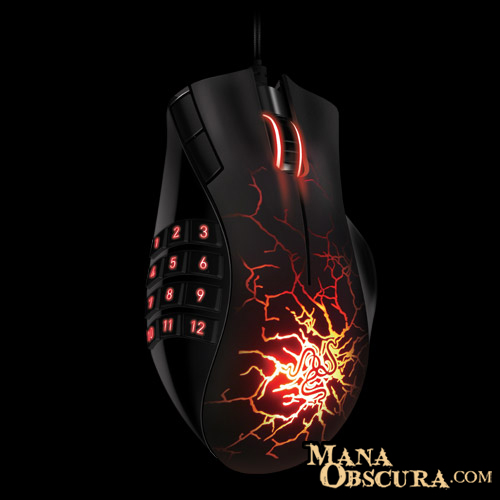
 If you’ve been playing MMOs for a while then there’s a fair chance that you’ve splashed out on some specialist kit to improve your gaming. One of the most common accessories is a Razer Naga – a high quality gaming mouse bristling with buttons to make spells and abilities easier to execute.
I’ve been using one of these in Warcraft for a while, but I was also keen on getting it set up for Star Wars: The Old Republic. While Bioware’s MMO doesn’t explicitly support the Razer Naga, it’s very easy to reconfigure it and unlock the untapped power lurking in your Mouse. This guide should cover everything you need to get up and running, as well as a few pointers to some more advanced features.
To set up the Razer Naga for Star Wars: The Old Republic start by finding the mode switch underneath the mouse. In ‘123’ mode the thumb grid of mouse buttons map to the strip of number keys along the top of your keyboard. For me this isn’t very helpful as I tend to fire primary abilities with my left hand using these keys. By switching it to ‘num’ mode the thumb grid buttons map to the number keypad on the far right of the keyboard – something I never use while gaming.